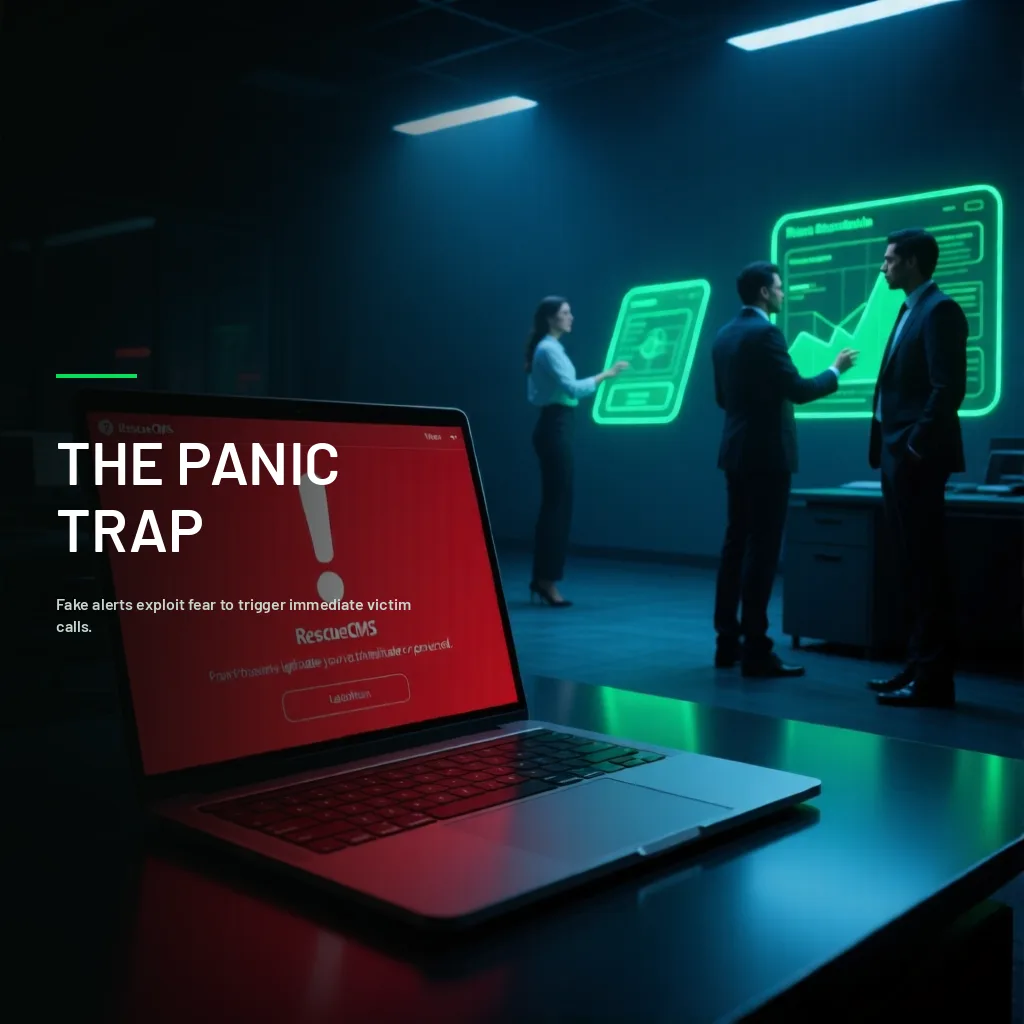
A pop-up window appears on screen, with an alarm sound and a message in red letters: "Your computer has been infected with 5 viruses. Call Microsoft tech support immediately at the number below." None of it is real — not the infection, not the number, not the affiliation with the company it claims to represent — but the panic it creates is real, and enough to make the victim call. On the other end, a "technician" asks for remote access to the computer to "fix the problem," and from there, real control of the machine passes into the scammer's hands.
Why This Scam Type Has Grown So Much
Fake tech support scams combine two elements that make them particularly effective: they exploit a genuine fear of losing information or money to a technical problem, and they specifically target people with less confidence in their own technical knowledge, who are more likely to blindly trust someone presenting themselves as an expert. This scam type's accelerated growth responds, in part, to scammers refining their psychological pressure tactics and diversifying initial contact channels beyond traditional pop-up windows.
The Most Common Variants
Fake browser pop-up windows, simulating operating system or antivirus alerts, usually triggered by visiting compromised websites or clicking a malicious ad.
Unsolicited phone calls, where the scammer directly presents themselves as tech support from a recognized company, claiming to have remotely detected a problem on the victim's device — something no legitimate company does proactively without the user having reported a problem first.
Emails simulating security alerts, directing the victim to call a number or download a "repair" tool that's actually malware.
Impersonating internal tech support at businesses, where the attacker poses as the organization's own IT department, requesting remote access or credentials under the excuse of resolving an urgent technical problem — a variant that connects directly to what we cover in our guide on vishing.
What Happens Once the Scammer Gets Access
With remote access legitimately granted by the victim (through real remote administration tools the scammer convinces the victim to install), the attacker can install additional malware, steal information stored on the device, access bank accounts with an active session, or simply charge directly for a "repair service" for a problem that never existed, using the remote access session to process payment with the victim's card.
Warning Signs That Distinguish This From a Real Technical Problem
No legitimate software or hardware company proactively contacts individual users to inform them about a problem remotely detected on their device. Real security alerts appear within the system itself, not through a call or pop-up window demanding immediate contact.
Extreme urgency pressure is, again, the central tactic — the same psychological pattern that dominates traditional phishing, adapted to a format combining digital and direct phone contact.
Requests for payment through hard-to-trace methods (gift cards, cryptocurrency, direct transfers to personal accounts) are an unmistakable sign of fraud — no legitimate tech support company operates this way.
How to Protect Yourself and Your Business
Frequently asked questions
How do I tell a real antivirus alert from a fake one?
Real alerts appear within the interface of the security application you already have installed, not as a browser pop-up window with a phone number to call.
I already gave remote access to someone suspicious, what do I do?
Disconnect the device from the internet immediately, change the passwords for your important accounts from another device, and consider a professional technical review of the compromised device before using it normally again.
Does this scam only affect older people or those with limited tech knowledge?
They're a preferred target, but anyone under enough pressure or distraction can fall for this, especially in the variants impersonating a business's internal tech support.
How do I verify if a "tech support" number is legitimate?
Look it up directly on the company's official website — never use the number shown in the suspicious alert or given to you over the phone.
Let's talk
This scam type exploits the gap between technological trust and real technical knowledge. At T.I. RESCUE we include this threat within our social engineering defense training, and offer verifiable technical support so your team knows exactly who to trust with access to their equipment. Would your team know how to tell real tech support from fake? Let's talk.
Contact usYou may also like

Comments (0)
Be the first to comment.