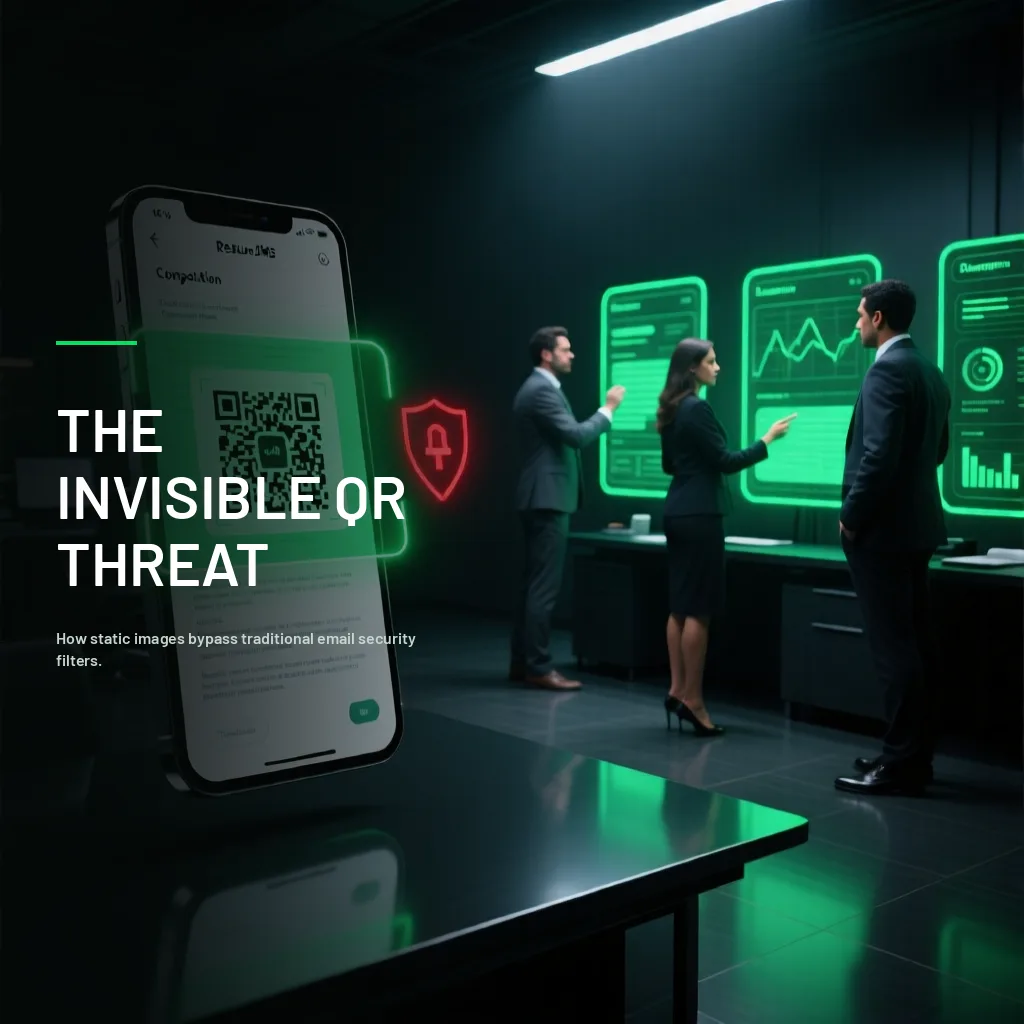
An email arrives with the subject line "Corporate email account update required," no suspicious links, no attachments — just a short paragraph and an image: a QR code asking to be scanned to "verify your identity and avoid service suspension." Email security filters, trained for years to detect malicious links and dangerous attachments, find nothing to block — because technically there's no link or file in the email at all, just an image. The malicious destination is hidden inside the QR code, invisible to any system that doesn't specifically decode it. This is quishing, and its rapid growth is a direct response to that ability to evade defenses built for a different kind of threat.
Why Quishing Evades What Other Attacks Can't
Most corporate email security systems analyze message text, included links, and attachments, looking for known phishing or malware patterns. A QR code, from these systems' perspective, is simply an image — the malicious content encoded inside it isn't readable without an additional decoding step most traditional filters don't perform routinely. This technical gap is exactly what's driven quishing's growth as an attack category in recent years.
There's a second factor amplifying the problem: when someone scans a QR code, they generally do it with their personal phone, not the corporate computer protected by the company's security tools. This takes the attack completely outside the traditional protection perimeter — the malicious link opens on a device that likely has fewer security controls than the corporate infrastructure.
Where Quishing Shows Up Most Often
Emails simulating IT or HR communications, asking to scan a code to "verify" credentials, update payroll information, or access a benefit — the corporate context gives it immediate credibility.
Physical QR codes tampered with in public spaces, where an attacker pastes a sticker with a malicious code over a legitimate one — in parking lots, restaurants, or anywhere scanning a QR for payment or a menu has become routine.
PDF documents or presentations that include a QR code as part of a more elaborate phishing campaign, taking advantage of the fact these formats raise less suspicion than a direct email.
Impersonation of payment platforms through fake QR codes, particularly relevant in the Colombian context given the rapid growth of QR-based payments at businesses.
Why It's Especially Dangerous in a Corporate Setting
When an employee scans a malicious QR code with their personal phone and ends up entering corporate credentials on a fake page, the attack manages to compromise a company account entirely outside the visibility of corporate security tools — neither the firewall, nor the email filter, nor the work computer's antivirus had a chance to intervene at any point in the attack chain.
How to Protect Yourself and Your Business
Treat any unsolicited QR code with the same suspicion as an unknown email link. The fact that it's an image instead of blue underlined text doesn't make it less dangerous.
Check the link preview before continuing. Most modern camera apps show the destination URL before opening it — review that destination with the same scrutiny you'd apply to any suspicious link, following the signals we cover in our guide on how to spot a phishing email.
Be wary of credential requests after scanning a QR code, especially if the page asks for information the institution or organization shouldn't need through that channel.
In physical spaces, check that the QR code doesn't have a sticker placed over an original one — a simple visual inspection that can prevent fraud from tampered codes in public places.
Businesses should update their security training policies to explicitly include quishing, rather than assuming general anti-phishing training automatically covers this vector — most awareness programs still don't mention it explicitly.
Frequently asked questions
Can modern email filters detect malicious QR codes?
Some newer solutions already incorporate automatic QR code decoding as part of security analysis, but it's not a universal capability yet. Don't assume your current corporate filter covers this vector without confirming it directly.
Is it safe to scan any QR code at a restaurant or parking lot?
Not entirely. It's worth visually checking that the code doesn't have a sticker placed over an original one, and verifying the link's destination before continuing if the camera app allows it.
Is quishing more common by email or in the physical world?
Both contexts are growing. The corporate, email-based version tends to generate higher financial impact per target; the physical version has broader reach but generally lower-value individual targets.
What do I do if I already scanned a code and entered information?
Immediately change any credentials you entered and notify your security or IT team without delay, especially if corporate credentials were involved.
Let's talk
Quishing is a reminder that cybersecurity defenses have to evolve as fast as attack tactics do. At T.I. RESCUE we constantly update our social engineering defense simulations to cover emerging vectors like this one, not just the threats from five years ago. Is your team's training up to date against current threats? Let's talk.
Contact usYou may also like
Comments (0)
Be the first to comment.