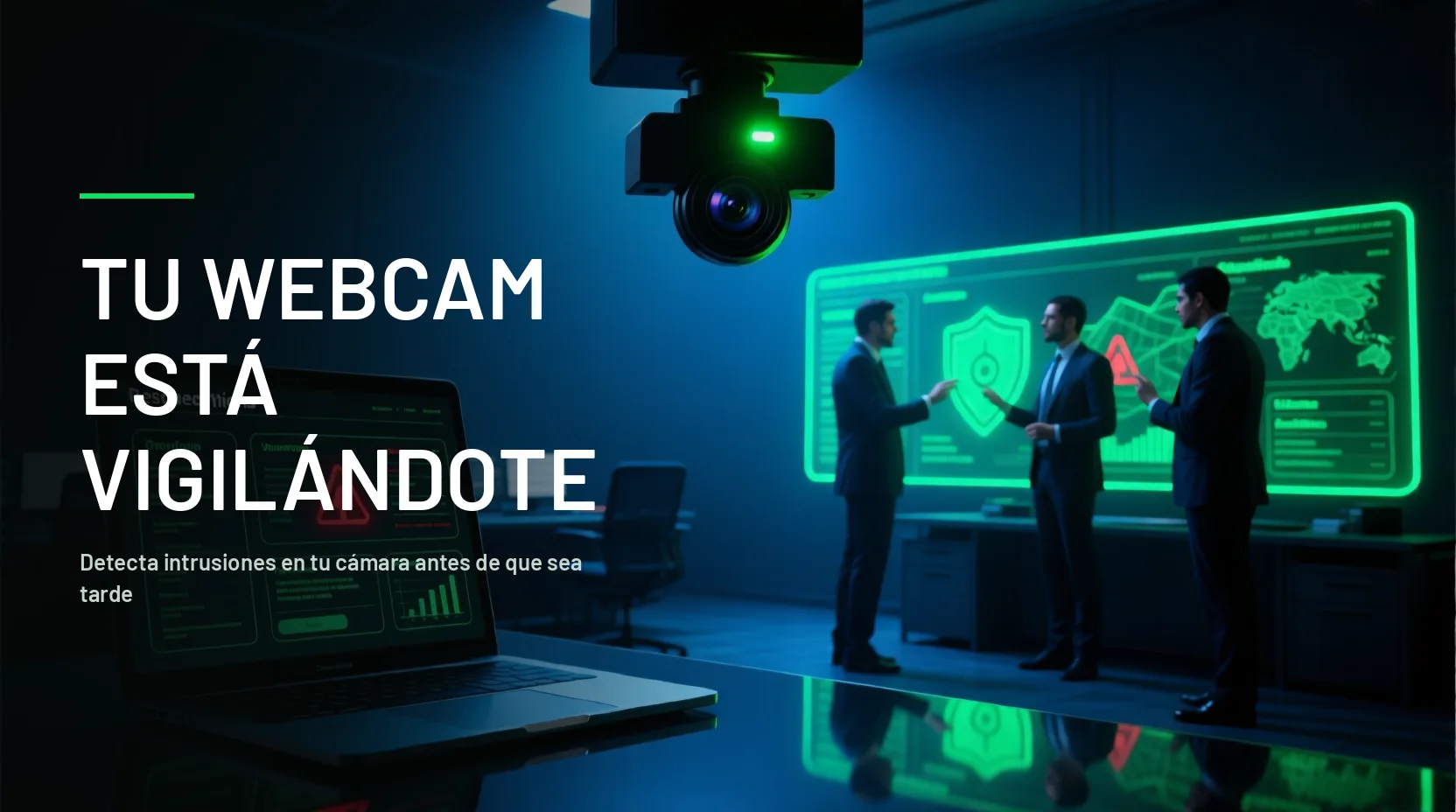
Someone may be spying through your camera if the light turns on by itself or does not turn on when you use it, if there are recordings you did not make, if programs you did not install appear, or if the device consumes data without reason. A single sign is not enough; several together are. Check which applications have camera permission, scan the device with an antivirus, and cover the camera when not in use.
Has your webcam been hacked? Find out how to identify it and protect yourself
👉 Learn about our service: Cybersecurity Consulting
Did this happen in your company? If the issue is with your organization, message us on WhatsApp and a specialist will respond during office hours.
In the digital age, maintaining our privacy is crucial, especially when it comes to our webcams. Here we explain how you can identify if your camera has been compromised, the reasons behind these hacks, and the measures you can take to protect yourself.
Does your company control what happens when someone leaves? Don't wait until you lose what is most valuable. 💻 Schedule a consultation with TI Rescue and protect your information
How to know if your webcam is hacked? The signs
• The camera's LED light should turn on when in use. If you see this light turning on and off without apparent reason, or if it does not turn on when it should, it may be a sign that your camera is being manipulated by malware that can disable this light to prevent you from noticing that the camera is active.
• Review the applications installed on your device. If you find programs or applications you do not remember installing and that have access to your camera, this could be a sign of a hack. Hackers often use malicious software disguised as legitimate applications to gain access to your camera.
• If you find recording files you have not made in your camera folders, someone else may be using your device to record. These files can be clear indicators that your camera is being used without your consent.
• High and unjustified data traffic may indicate that your camera is sending images or videos to a remote server. Monitoring your network usage can help you detect this suspicious activity, as hackers need to transmit the recorded data to their servers.
• A computer that becomes slow, freezes frequently, or shows other performance issues may be running malicious software that consumes many resources. This type of software may be recording and transmitting data without your knowledge.
Cybersecurity company in Argentina
Does your company control what happens when someone leaves? Don't wait until you lose what is most valuable. 💻 Schedule a consultation with TI Rescue and protect your information
• If you experience interruptions or strange behaviors during video calls, such as camera or microphone changes without your intervention, it may be a sign of a hack. Hackers can interfere with video calls to manipulate access to the camera and microphone.
• Error messages related to the camera or microphone may appear if someone else is trying to access these devices. These errors may indicate conflicts between your legitimate software and the malware attempting to take control.
• If your device's security settings, such as the firewall or antivirus, have been disabled or modified without your consent, it could be a sign of intrusion. Hackers often disable these protections to avoid being detected.
• If you find that the camera does not turn off easily or remains on despite attempting to disable it, it may be compromised. This can be a sign that malware has taken control and is ignoring your commands.
• If you notice a significant increase in your network data usage, especially at times when you are not using the camera, this could be a sign that someone is transmitting data from your device. Monitoring your data usage can help you detect this activity.
• Video or audio files with strange or nonsensical names in your camera folders may indicate unauthorized recordings. These files may be generated by the malicious software using your camera to record without your knowledge.
• Pop-up windows related to the camera, requesting access or showing unknown settings, may be signs of malware. These messages may be used by the malware to obtain additional permissions or to trick you into installing additional software.
• If the camera settings, such as resolution or default storage, change without your intervention, it may be a sign of a hack. Hackers may adjust these settings to optimize their ability to record and transmit data.
• Receiving notifications from your security software alerting you about attempts to access the camera may indicate a hacking attempt. These alerts may be generated by your antivirus or firewall upon detecting suspicious activity.
• If your device downloads camera-related files without your intervention, it could be a sign of malicious activity. These files may be components of the malware trying to take control of your camera.
• If your computer's fan is running more than usual, it may be a sign that the system is running intensive processes in the background, such as unauthorized camera use. Malicious software can consume many resources, causing the fan to run continuously.
• Applications that use the camera may close unexpectedly if there is a conflict with spyware attempting to access the device. These crashes may indicate that malware is interfering with the normal operation of your software.
• If your camera stops working correctly with applications that previously used it without issues, it may be a sign that it has been tampered with. Conflicts with malicious software can cause compatibility and performance problems.
• Reviewing system logs may reveal unusual access to the camera or microphone, indicating a possible hack. System logs can show access attempts and suspicious activity that can help you identify a problem.
Cybersecurity company in Panama
Does your company control what happens when someone leaves? Don't wait until you lose what's most valuable. 💻 Book a consultancy with TI Rescue and protect your information
Topics that might interest you:
• Don't Fall for the Trap: Job Scams on LinkedIn • Social Engineering Threats and Defenses • How to Know if Your Phone Is Hacked? Tips from TI Rescue Experts

how to know if you have been recorded by cam
How can hackers take control of your camera?
IT Consultancy
Hackers can take control of your camera using various techniques and malicious tools, including:
• Hackers send deceptive emails with links or attachments that, when opened, install malware on your device. This malware can allow them to take control of your camera without your knowledge.
• Malicious software, known as trojans, hides in seemingly harmless files and allows hackers to remotely control your device. Once installed, the trojan can provide full access to your camera and other system resources.
• Keyloggers are programs that record keystrokes to obtain passwords and other confidential information, facilitating access to the camera. These programs can capture login data that hackers use to access your accounts and devices.
• Exploits take advantage of vulnerabilities in the operating system or applications to gain unauthorized access. Hackers use these vulnerabilities to install malware that can take control of your camera and other resources.
• Connecting to public or unsecured Wi-Fi networks allows hackers to intercept data and access connected devices. These attacks can allow hackers to install malware on your device and take control of your camera.
• Social engineering involves psychological manipulation to obtain confidential information that facilitates access to the camera and other devices. Hackers can trick you into revealing sensitive information or installing malware.
• Malicious browser extensions, once installed, can access your camera and other personal data. These extensions may appear legitimate but are designed to spy on your activities and take control of your camera.
• Legitimate remote access programs can be used for malicious purposes to take control of your camera and other system resources. Hackers can trick you into installing these programs and then use them to access your device.
Do you suspect a social engineering attack? Contact us on WhatsApp for immediate assistance.
Reasons why hackers access webcams
• Hackers can obtain private and confidential information to use it for illicit purposes, such as identity theft or industrial espionage.
• Recording compromising images or videos and then demanding a ransom not to publish them is a common tactic used by hackers to extort their victims.
• Personal data obtained through the camera can be sold to third parties interested in exploiting that information for various illegal activities.
• Hackers can use your computer to carry out illegal activities without your knowledge. One of these activities is Bitcoin mining, where hackers use the processing power of your computer to generate cryptocurrencies. This process is known as «cryptojacking».
Maintaining the security of your webcam is essential to protect your privacy in the digital world. Identifying signs of hacking, such as unrecognized video files and unusual data usage, can help you detect possible intrusions. Additionally, understanding how hackers can take control of your device and the motives behind these actions, such as Bitcoin mining, will allow you to take effective preventive measures. Make sure to use reliable security software, keep your applications updated, and regularly monitor your network activity to keep your camera and data safe from unauthorized access. Remember, prevention and constant vigilance are key to keeping your privacy intact in the digital age.
Subscribe to Our Blog: Stay updated with the latest news and tips in cybersecurity. Subscribe now.
Topics that might interest you:
• Cybersecurity company in Spain • Cybersecurity service • Pentesting service
Frequently asked questions
How to know if I am being recorded by the computer camera?
Check if the camera light turns on without you using it, if there are recordings or photos you did not take, if the device consumes data for no reason, or if programs appear that you did not install. A single sign is not enough; several together are cause for alarm.
Can the camera be used without the light turning on?
On some devices, malware can activate the camera without turning on the LED. That is why it is advisable to cover it when not in use and check which applications have permission to use it.
How to know if I am being spied on through the phone camera?
Check which apps have camera permission in the phone settings and be wary of those installed outside official stores. Android 12 or higher and iOS 14 or higher display an on-screen indicator when the camera is in use.
Set this site as a preferred source on Google
You may also like


Comments (0)
Be the first to comment.